How it works Maps and navigation
Offline maps and navigation
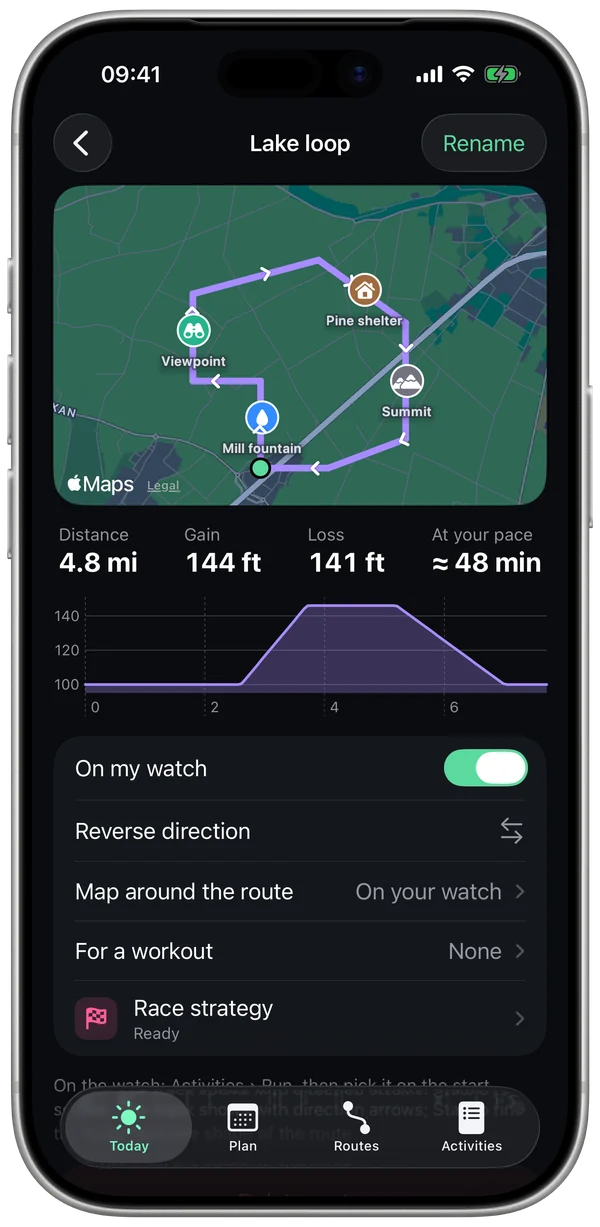
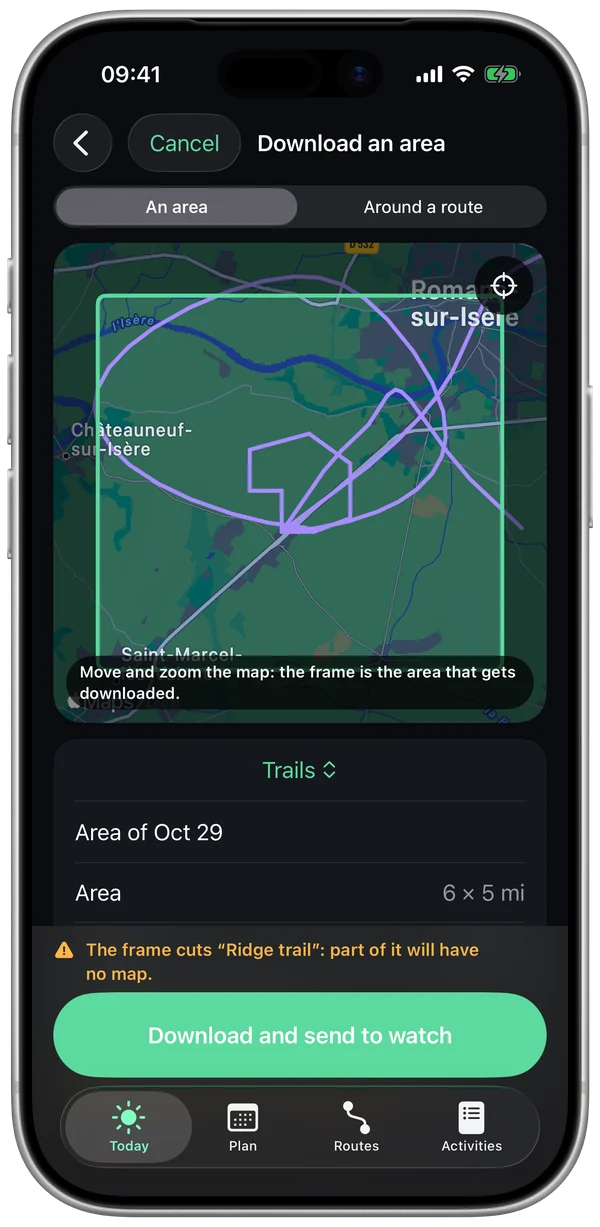
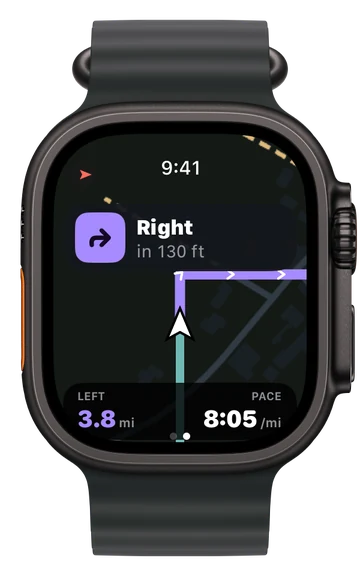
Import a route, download your area's map to your watch and leave your iPhone at home: turns are called out loud, and you know right away if you go off route.
1 voice-guided route freeMaps, unlimited routes and Strava with Pro
No iPhonemap and navigation live on your watch
40 m(130 ft) off for 10 s and you're off route
2 stylesStreets and Trails
What Stamio uses
- Your route: a GPX, TCX or FIT file, opened from Files or shared to Stamio, or a route from your Strava account.
- Your GPS position, from your watch.
- OpenStreetMap maps, hosted and rendered by Stamio for your watch.
What leaves your phone
- Only the map tiles for the area you download. Your routes stay on your iPhone and your watch.
- With Strava, Stamio only reads your routes, never your activities, and never writes anything there.
- Outside your downloaded areas, Apple Maps can take over when your watch has a connection, except in Low Power Mode.
What can throw it off
- Blocked GPS (dense downtown, thick forest, tunnels): your position can jump, and a callout can come a little late.
- A rough or hand-drawn track: turns will be approximate.
- Gaps in the map: OpenStreetMap is built by its contributors, and some trails may be missing.
What you can set
- Map style, the areas kept on your watch, map orientation.
- Sounds: vibrations, beeps or voice.
- Routes "On my watch", and the route linked to a workout in your plan.
- Export a workout as GPX or FIT.
Questions
Do I need a connection during my run?
No. Once the area is downloaded and the route is on your watch, everything works without your iPhone or a network.
Does it work during intervals?
Yes. A guided workout can have a route: you follow both the current step and the map.
How much space does an area take?
Each area shows its size, and you can remove it from your iPhone and your watch in one go.
Further reading
- Maps: © OpenStreetMap contributors, data available under the ODbL license (openstreetmap.org/copyright).
Navigation helps you follow your route. Stay aware of traffic and terrain.